
Auto Lock Date Further Update

Auto Lock Date Further Update Auto Lock Date Further Update FastAccounts.io is first choice Accounting Software for the businesses in Pakistan. We have further enhanced the feature of Lock Date. The Lock Date give you control on the data modification. Once you have locked a DATE, the data prior to the Lock Date cannot be edited or […]
Auto Customer & Supplier Account No.
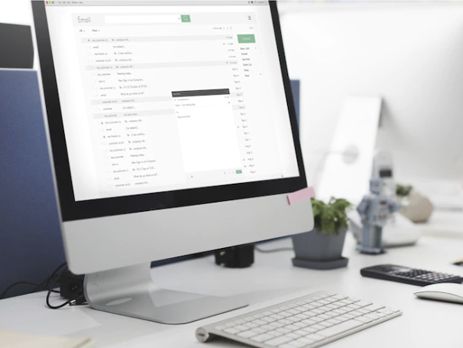
SMS Auto Customer & Supplier Account No. SMS Auto Customer & Supplier Account No. Fast Accounts is the fastest growing online accounting software in Pakistan. Auto Customer Account No. We have added a feature that enables the auto account number for the Customer Accounts. Go To Settings Menu, Select Smart Settings and you will find Customer Auto Account […]
Email Sale Invoices
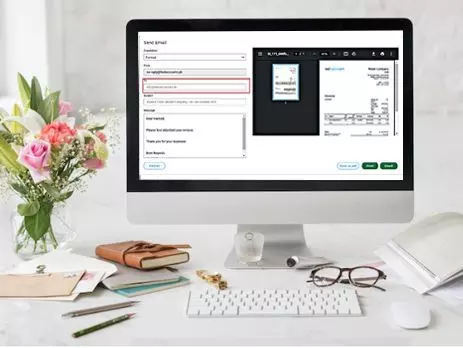
Email Sale Invoices Email Sale Invoices FastAccounts.io is the leading accounting software in Pakistan. Great News, now you can send sale invoices via email to your customers directly from FastAccounts. There are several benefits of emailing the Sales Invoices. Save Printing Cost Save Time Faster Recovery Customer can save invoice with easee Help environment 1. Email Sale […]
Advance Users Rights
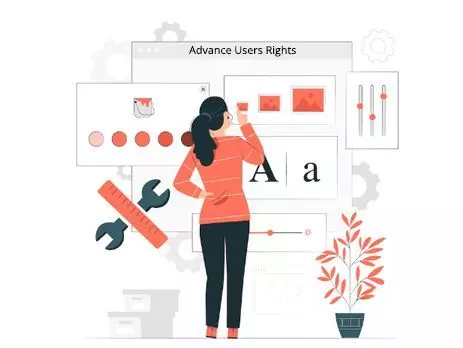
Advance Users Rights Advance Users Rights Fast Accounts takes the User Rights to the next level. With the Advance Rights feature Admin can choose which customer or Supplier should be available to the User. User will only add Sale invoices or Sales Receipts for the Customer which are allocated to the User. In the same […]
Project Reports Update

Project Reports Update Project Reports Update Three new reports are now available in Project Reports, these reports cover the payments and receipts project. In Reports Go To Project Reports 1. Project Payments This report provides details of payments (supplier/cash book expenses) by the project. This report also has payment date, supplier name or nominal account […]
Users Rights

Users Rights Fast Accounts has further improved User Rights and Controls. Now Admin can decide Users’ access to Banks Projects and Locations In the Bank Module, the User will only be able to view the transactions relating to the banks for which access has been granted.On All Screens, the User will be only able to […]
Fast Accounts Journal Printing
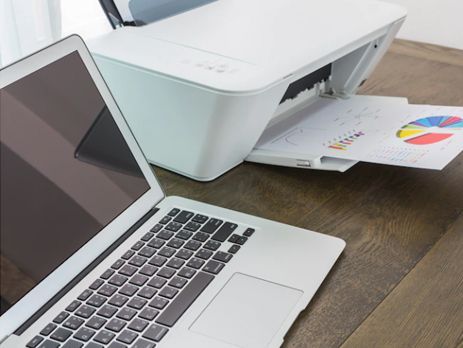
Fast Accounts Journal Printing The new journal printing with traditional debit & credit style, has been added to all sections in the Fast Accounts. 1. Bank and Journals On the Bank and Journal section, the print button is available on the top of the listing. On bank voucher printing only select a single row from […]
Easy Setup
Easy Setup Easy Setup A quick and easy setup process means you can make the switch today. Our support teams are on hand to help you start your journey toward positive business transformation. Unlike our competitors (QuickBooks, Sage, Xero, etc.) we strive to make the small business accounting experience a more personal one and are […]
Nominal Account Codes

Nominal Account Codes Chart of Account is critical for capturing and analysing financial data. FastAccounts.io provides plenty of options to customise the Chart of Account. We have now provided an option to have auto codes for the Nominal Accounts. In FastAccounts.io the Chart of Account consists of three elements. Category Section Nominal Account Following are Categories in the FastAccounts.io We […]
SMS Feature

SMS Feature SMS Feature Frequent and excellent communication with customers and vendors are essential for the growth of any organisation. Fast Accounts has achieved a new milestone, by providing an SMS feature. You can set customise SMS Messages on several transactions e.g. Sales invoice, Customer Balance Reminder, Supplier Payment etc. Simply record your transaction and customers will […]